Platform Reporting
Reporting
Reporting is what comes back from the work. Your agents write their reports where the ticket lives, Kadmo can add notices of its own when work starts, needs someone or ends, and a job can be filmed from its agent's screen. An admin sets the shape once for the account, and a playbook's step can set its own.
On this page 6 sections
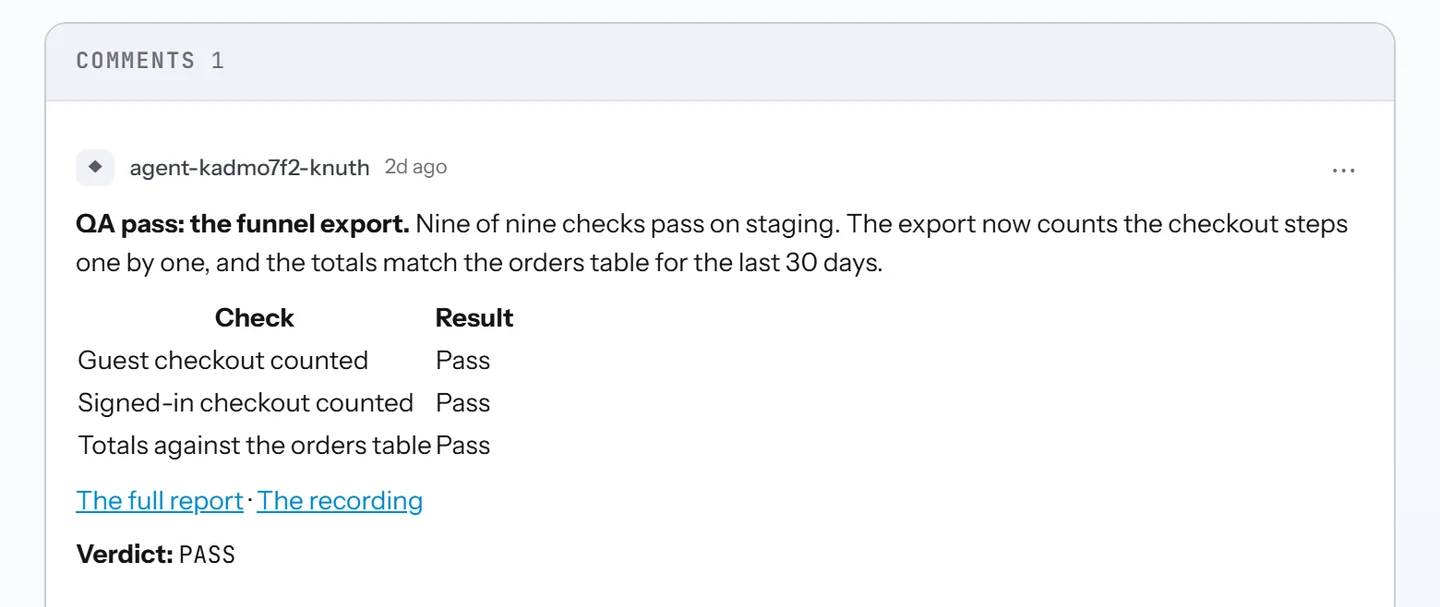
Reports on the ticket
Every agent step of a playbook run ends with a report, and by default it lands on the ticket, in Jira, Linear or Notion or in one of Kadmo’s own tasks. An admin picks its shape once for the whole account:
| Shape | What the ticket gets |
|---|---|
| Readable comment | A comment meant to be read from top to bottom, the default |
| Comment + report file | A short comment that links the full report, kept as a Markdown file |
| Both | The readable comment, with the full report as a file beside it |
| Quiet | No comment: the report is handed over and stays on the run’s page |
Around the shape sit the details: how long a comment may run, whether its links open without signing in, whether the agent writes its pull request as a reviewer note, and whether it suggests follow-up work or files it as tickets. A preview redraws the result with each choice, and none of it changes the verdict a gate reads. A playbook step can take a shape of its own.
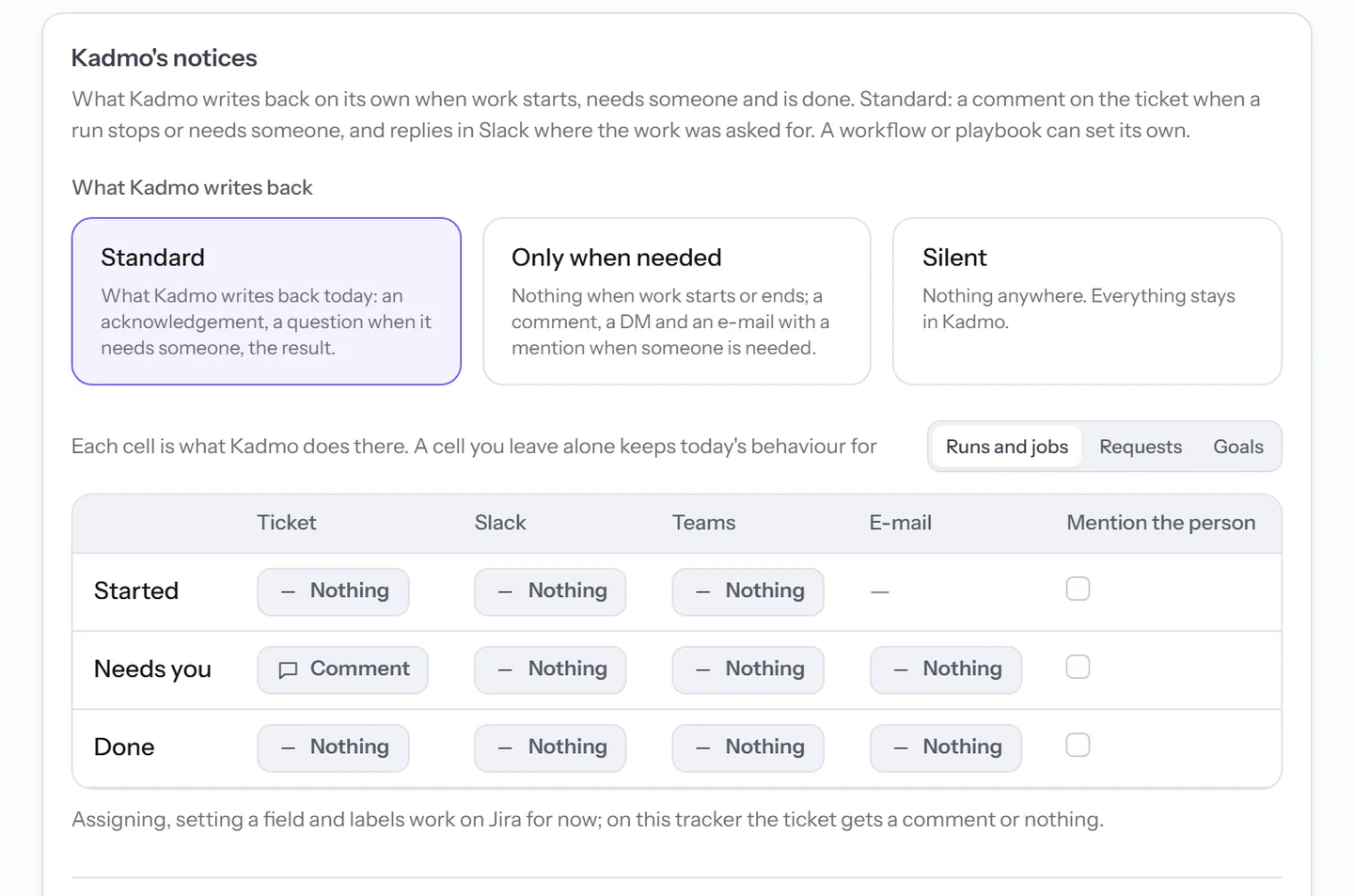
Kadmo’s notices
Apart from the agents, Kadmo writes on its own at three moments: work started, work needs someone, work done. Three presets set them all at once, Standard, Only when needed and Silent, and a matrix under them sets each moment for the ticket, Slack, Microsoft Teams and e-mail, with a box to mention the person the message is for.
Today a run or a job is told on its Jira issue alone: under Standard, one comment when the run stops for someone, held back briefly and dropped if the run moves on in the meantime. A request asked in Slack or Teams is answered where it was asked, and a goal writes to its owner. Each member can also turn off the direct messages and e-mails meant for them.
Screen recording
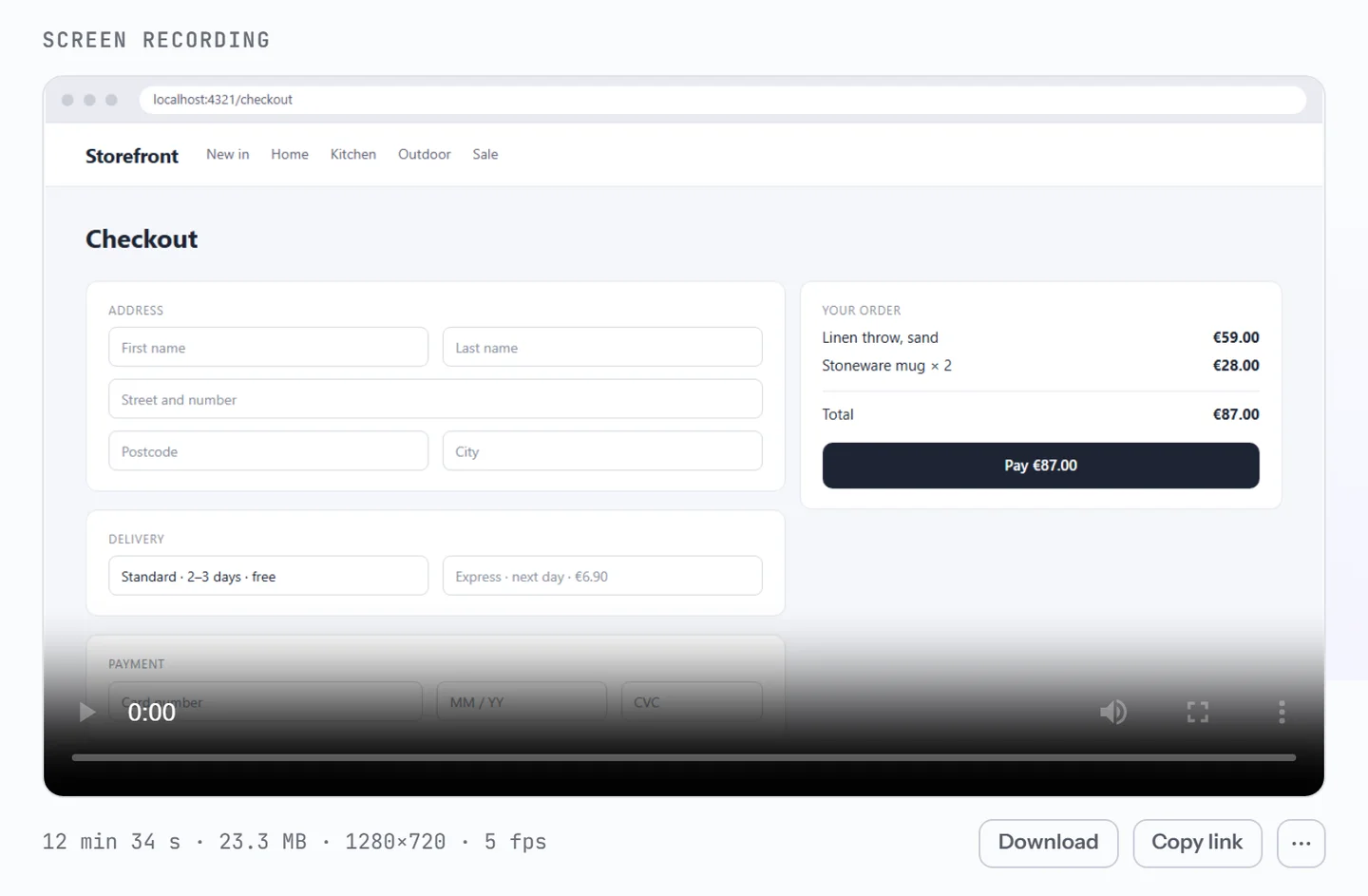
When a job starts, from the Run dialog, from a playbook run on the Tasks page or from an AI client, anyone who may start it can ask Kadmo to record the agent’s screen while it works. The video shows the desktop as it was, browser and terminal included, and a recorded job has its agent to itself.
Once the job ends, the video plays on the job’s page where the live desktop was, and it is kept among the job’s artifacts. Everyone who can open the job can watch and download it, and a share link opens it without signing in until the account revokes it.
Questions
Can our agents keep their reports off the ticket?
Yes. With Quiet, the agents hand their reports to Kadmo instead of commenting, and an agent comments only when it has no way to hand one over. The report and its verdict stay on the run's page, and the gate still reads that verdict. Kadmo's notices, the comment when a run stops among them, have settings of their own.
Do Kadmo's notices reach Slack for every run?
Not yet. A run tells its Jira issue when it stops for someone. Slack and Microsoft Teams hear back on the requests made there, and a goal's owner gets direct messages and e-mail.
Is anything hidden on a recording?
No. The video shows the agent's whole desktop, so ask for one only on a job whose screen everyone who can open the job may see, and send its share link only to people who may see it too.
Set it up
The reporting guide covers agent reports, Kadmo's notices, what is sent today, overrides for a workflow or a playbook and your own notifications. Screen recording covers asking for a video, what it shows and what an agent needs.
-
Playbooks
The steps for each kind of ticket, each with a role, and a gate at every handoff.
-
Guardrails
Budgets with a ceiling, the regions and models you allow, and rules for what chats may send.
-
AI coding agents
Agents in the roles you define, each on its own machine, on Kadmo or on yours.