Platform Ask Kadmo
Ask Kadmo
Ask Kadmo is the chat where your team asks about its own work and hands new work over. It reads your account before it answers and shows what it read, and when you ask for work it comes back with a plan that nothing acts on until you press Start.

On this page 7 sections
What it answers from
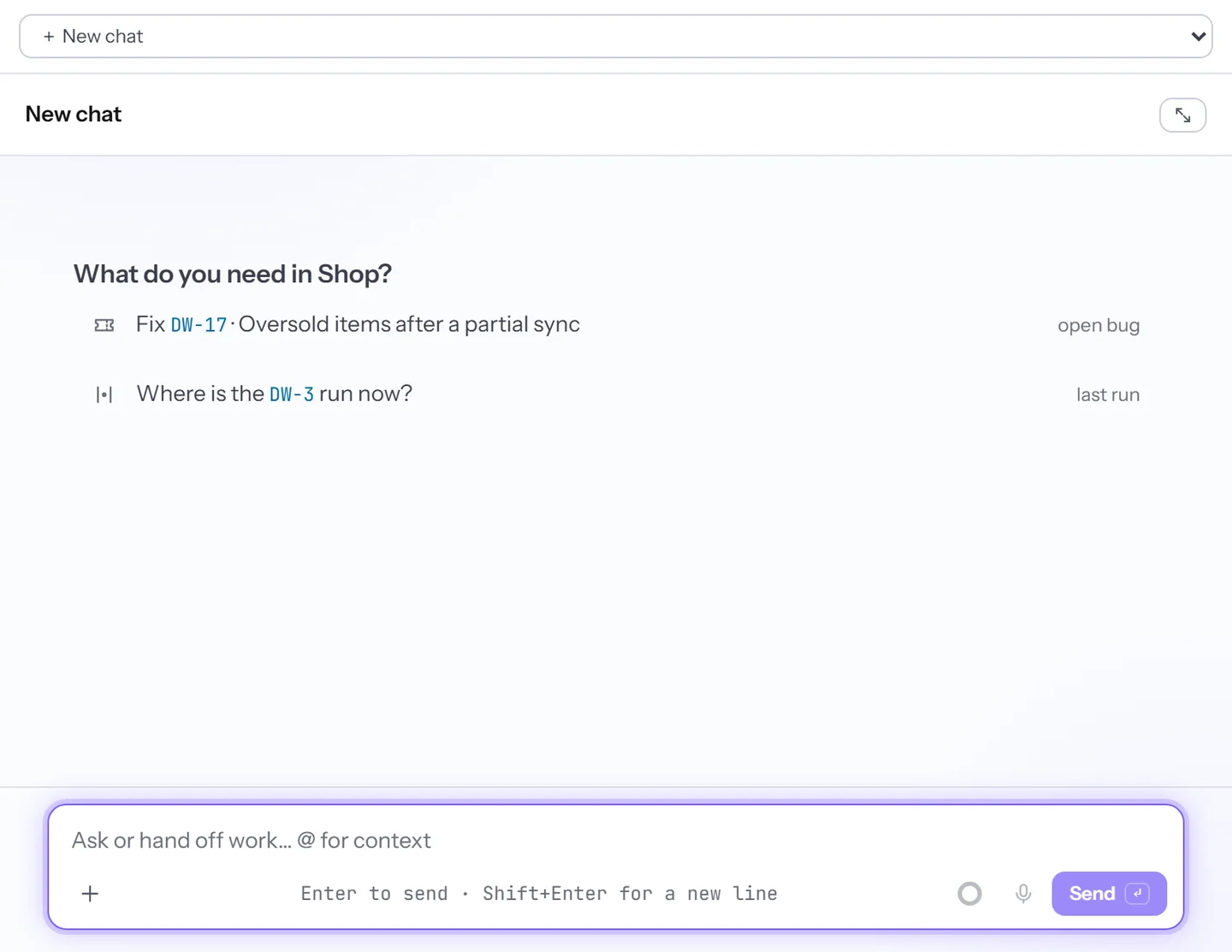
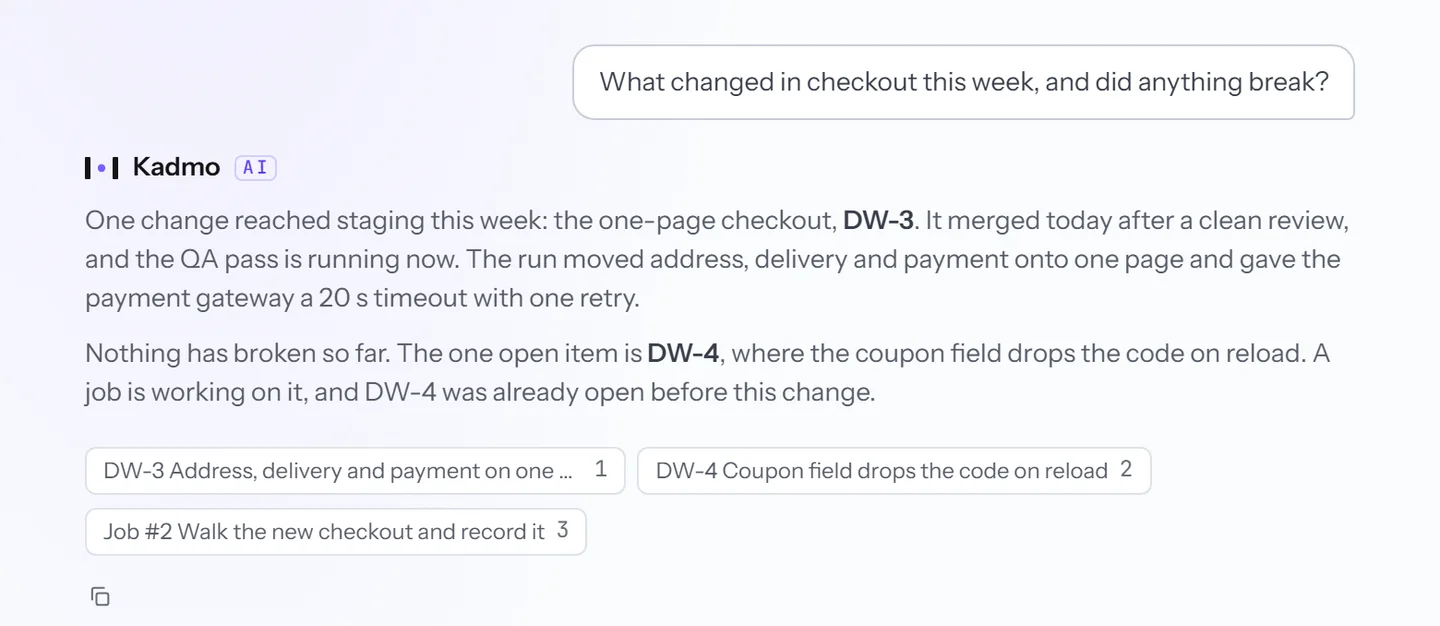
Before it answers, Kadmo looks in your account: the agents and what they are busy with, your playbooks and workflows, the tasks waiting on someone with what their runs reported, the pages of your skill pack, and the documents your chat agents index. One line shows what it is reading while it works, and the answer ends with numbered chips for the sources it read, most of them a click away.
Type @ to hand it something before you ask: a ticket, a repository, an agent, a playbook or a workflow. Each pick sits above your text as a chip and is read again when you send, so the answer works from the current state, and a file such as a screenshot can go along too. Regenerate keeps each answer as a version to step back through.
Handing work to an agent
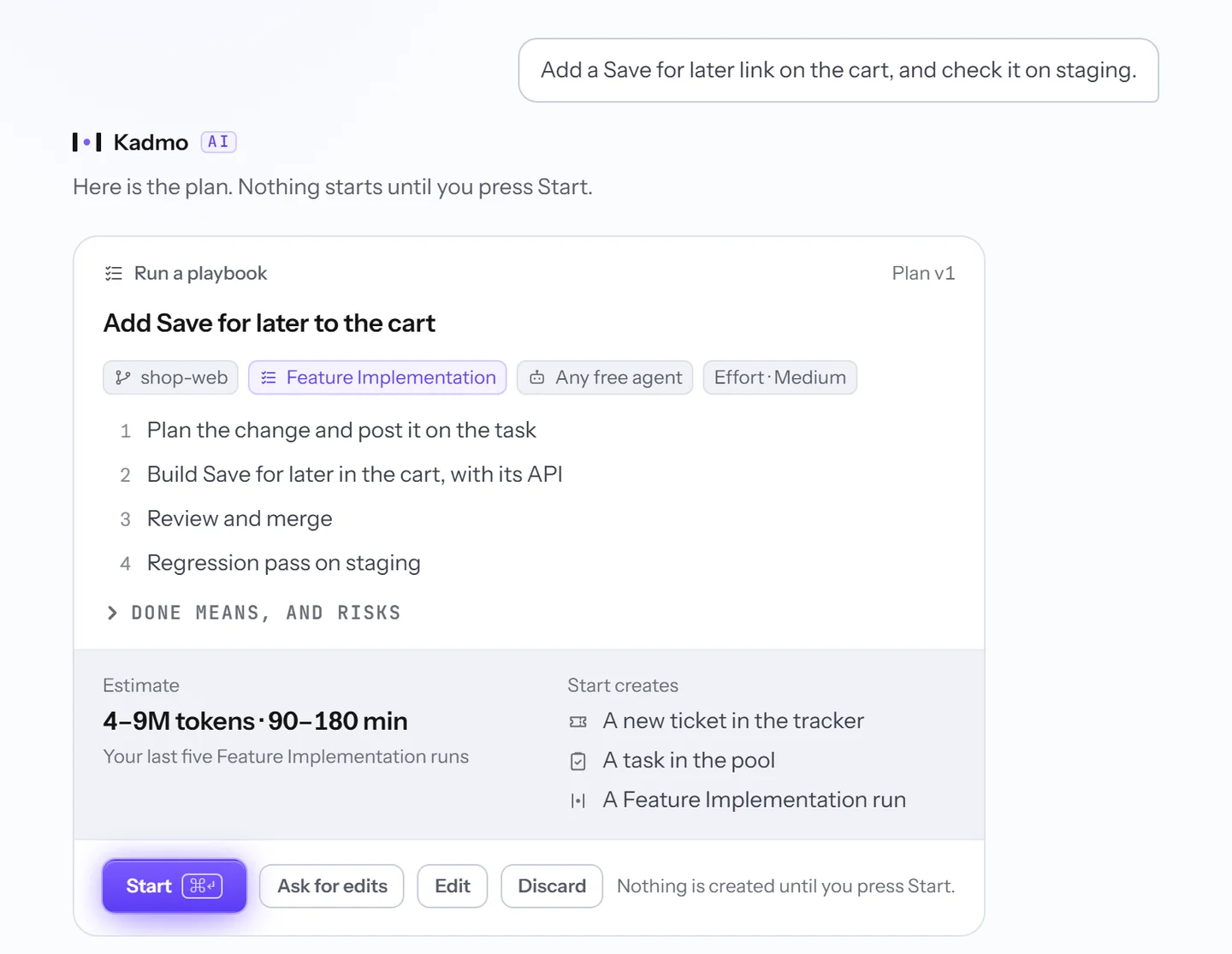
Say what you want done in plain words, or @ a ticket and a repository and add a line. Kadmo replies with a plan card rather than a run: the repository, the ticket, the playbook and the agent it would use, the effort, the steps it has in mind, what done means and where the risks are, an estimate drawn from your own finished runs where there are enough of them, and a list of exactly what Start will create.
Change the plan by asking for edits in words, or set the repository, playbook, agent or effort yourself, and each change becomes the next version. Start creates what the card lists and nothing more, once, however often it is pressed.
From then on the thread follows the work: waiting for an agent, working, needing you, done or stopped. A gate or an agent’s question is answered right there, and while the agent works, a plain message from the thread reaches its session.
Speak
The microphone beside the box takes a question by voice, in English or German. Spoken into an empty box, with no draft and no files, the words go out as your question, with the chips and the model you set; spoken over a draft or files, they join it and wait for Send. The recording stays with its message, so the thread keeps what was said as well as what was written.
Sharing a thread
A thread is yours: it sits in the workspace you asked in and is listed for you alone. To show it to colleagues, share it as a link. Members of your account who can open its workspace open it read-only, see it as it stands whenever they open it, and can start a chat of their own from there.
There is no public link. Someone signed in to another account gets a page saying the thread is not shared with them, a revoked link never opens again, and sharing anew makes a fresh one.
Questions
Can Ask Kadmo start work without us?
No. It proposes a plan, and only a press on Start creates what the card lists. Writing yes in the chat starts nothing.
Does it read our code?
Not from the chat. A repository you pick with @ comes with its name, default branch and folder, and the agent that takes the work reads the code.
Who can read our threads?
A thread belongs to the person who asked it. Shared, it opens read-only for signed-in members of your account who can open its workspace, and for nobody else.
Set it up
The Ask Kadmo guide covers where you ask, the box and its context, the plan card, the work in the thread, speaking and sharing a thread.
-
Goals
Name an outcome. Kadmo writes the epic, an agent plans it into tickets, and they run wave by wave.
-
Playbooks
The steps for each kind of ticket, each with a role, and a gate at every handoff.
-
Skill packs
Knowledge the runtime serves to every run, and what one run learned for the next.