Platform Integrations
Integrations
Kadmo's agents work from the tools your team already has: a ticket from Jira, Linear or Notion, code on GitHub, GitLab or Bitbucket, a request from Slack or Microsoft Teams. Every connection belongs to the account, and none is needed on day one, because a tracker and a git host come built in.

On this page 8 sections
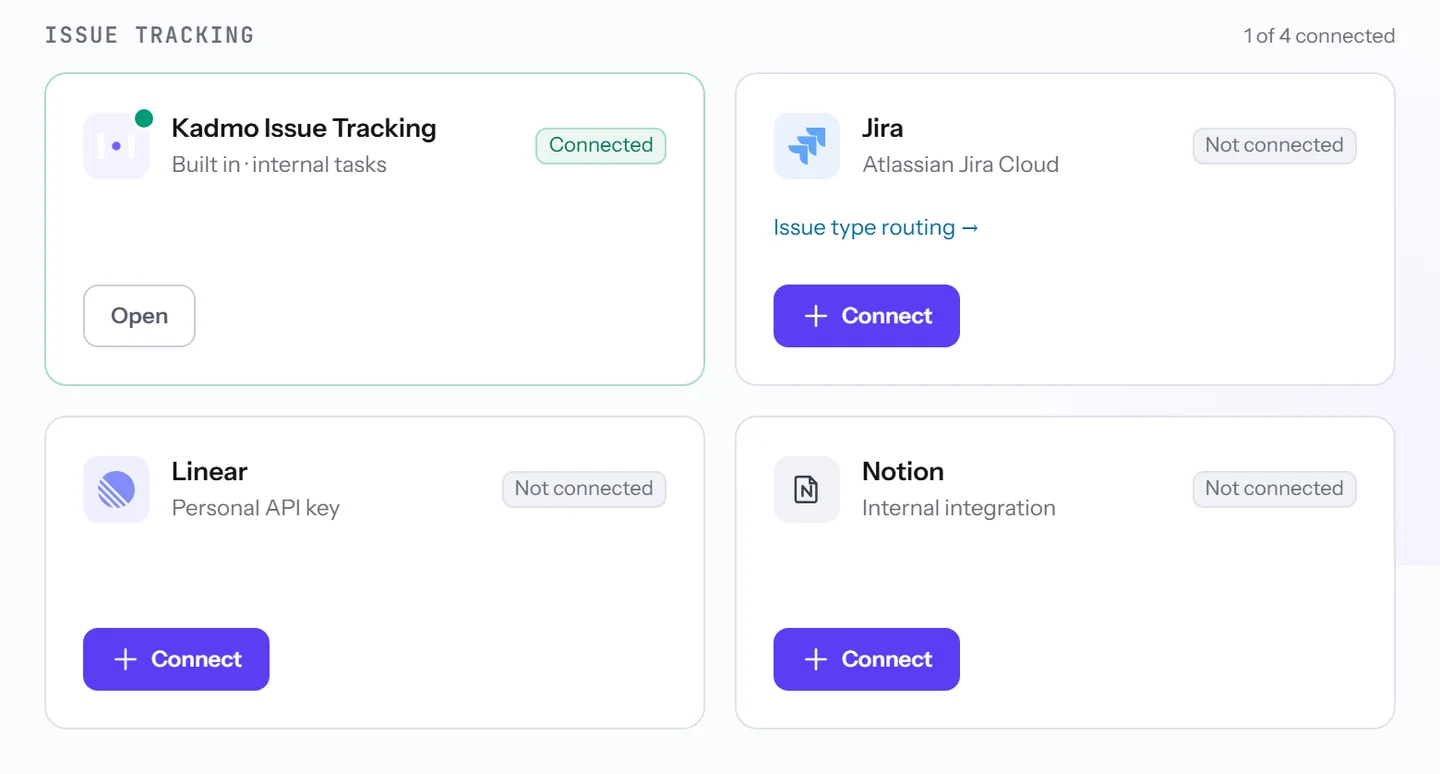
Your tracker
Jira. The Kadmo for Jira app makes Kadmo a Jira AI agent on your Jira Cloud site: it adds a Kadmo Agent user, and that user is no billable seat. A ticket reaches it when someone picks Send to Kadmo in its menu, which every Jira site has, assigns it, or, with a rule of your own, mentions @kadmo in a comment. Where nobody can install an app, an API token and a webhook connect the site instead, and tickets go to a Jira user you create for Kadmo.
Linear. Its app adds a Kadmo user people can assign, again without a seat, and a personal API key is the alternative.
Notion. An internal integration sees the boards you share with it, and putting the agent on a card starts a run. Kadmo looks for changes about every five minutes, so a card starts within minutes rather than at once.
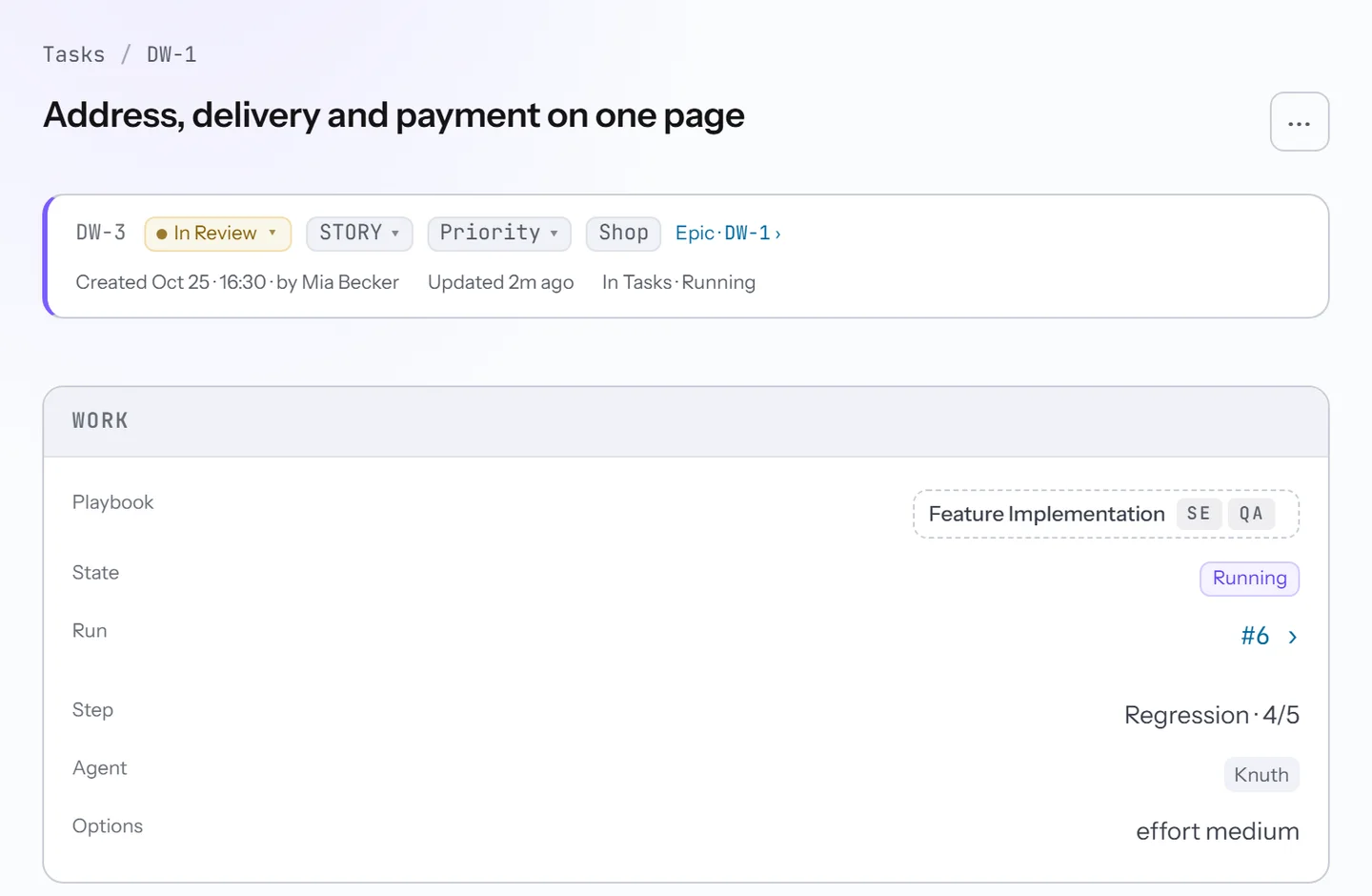
Link a project, team or board to a workspace, and its tickets reach that workspace’s repository and agents. The ticket’s type picks the playbook, or on Linear, which has no types, the issue’s first label: a bug takes Bug Fix, a story Feature Implementation. As the run moves, the ticket does too, with a status per step and a report the team reads where it already works.
Your code host
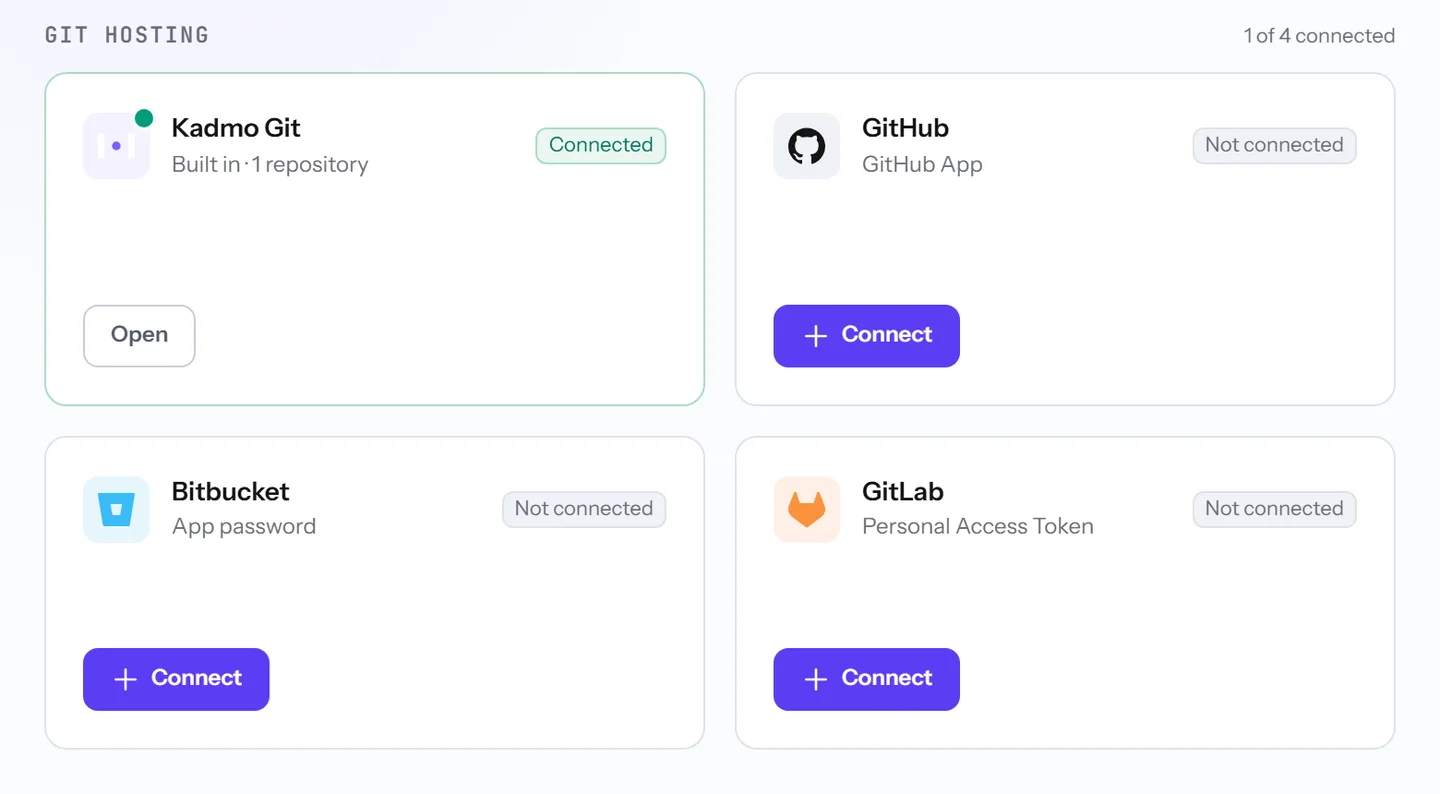
A workspace holds the repositories its agents work in. Add one from GitHub, GitLab or Bitbucket by its address, and each assigned agent clones it into a folder of its own.
GitHub goes furthest. With the GitHub App, agents clone and push as its bot on the repositories it covers, and comments on issues and pull requests reach Kadmo as events a rule can act on. A token is the alternative. On GitLab and Bitbucket, the connection is how Kadmo reads, and agents push with credentials of their own.
Your chat
People ask for work in plain words where they already talk. In Slack, a message in a connected channel is a request: a complete one starts at once, and a playbook’s result comes back in the thread. In Microsoft Teams, it is a 1:1 chat with the Kadmo app, and nothing starts until the person presses Approve.
You decide what each channel and each person may start. Slack connects through a Slack app of your own, a channel at a time, and Kadmo’s team links your Microsoft tenant for Teams. What the Slack app reads, keeps and asks of your workspace is set out on its own page.
Built in: Kadmo Issue Tracking and Kadmo Git
Every account has both, with nothing to connect. Kadmo Issue Tracking holds tickets Kadmo keeps itself, keyed by workspace like DW-3, and agents read and report on them as they do on a tracker’s. It works beside Jira, Linear or Notion, so a ticket stays where it was filed.
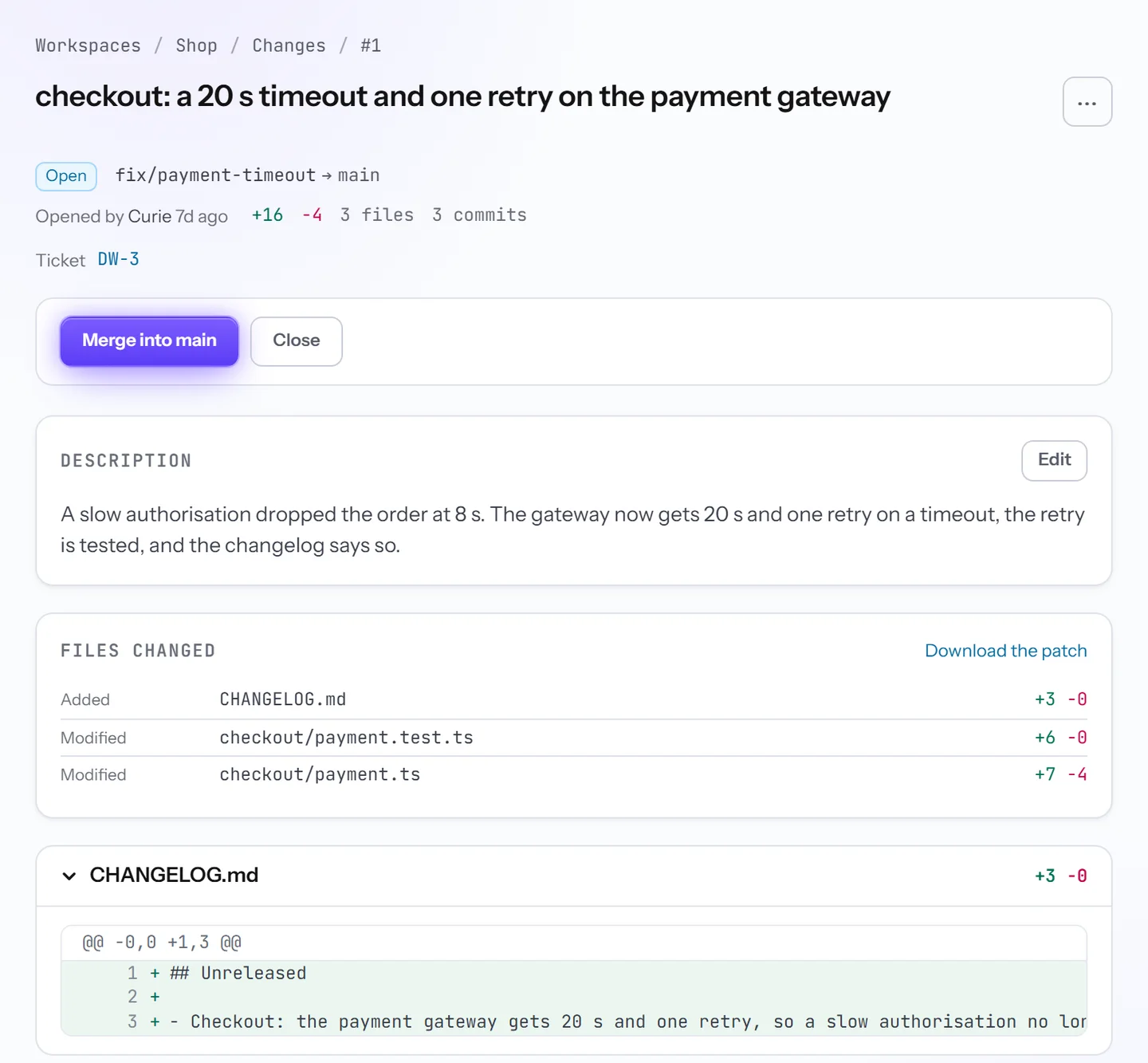
Kadmo Git gives each workspace one repository. A branch pushed to it opens a change request, which plays the part of a pull request and is reviewed and merged in Kadmo.
Files and design
Google Drive signs in as one Google account, reads and never writes back. Chat agents use its documents as a knowledge source.
Figma signs in as one Figma user, and agents read designs as that user. Bind a team, folder or file to a workspace, and a rule can start work from a comment or from Ready for dev.
Questions
Does an AI agent take a seat in Jira?
Not on the Kadmo for Jira app: its Kadmo Agent user comes with the install and is no billable seat. On an API token you create a dedicated Atlassian user, and that one is.
Can we start without connecting anything?
Yes. A workspace starts with its own Kadmo Git repository and files new tickets as internal tasks until it is linked to a project in a tracker.
Can a Slack message start a playbook?
Yes, on the Jira ticket the message names, and Kadmo asks which one when it names none.
Set it up
The integrations guide covers code hosts, Slack and Teams and files and design, and each tracker has a guide of its own: Jira, Linear and Notion.
-
Goals
Name an outcome. Kadmo writes the epic, an agent plans it into tickets, and they run wave by wave.
-
Playbooks
The steps for each kind of ticket, each with a role, and a gate at every handoff.
-
MCP servers
Kadmo builds and runs your MCP server from its repository, behind your account’s sign-in.